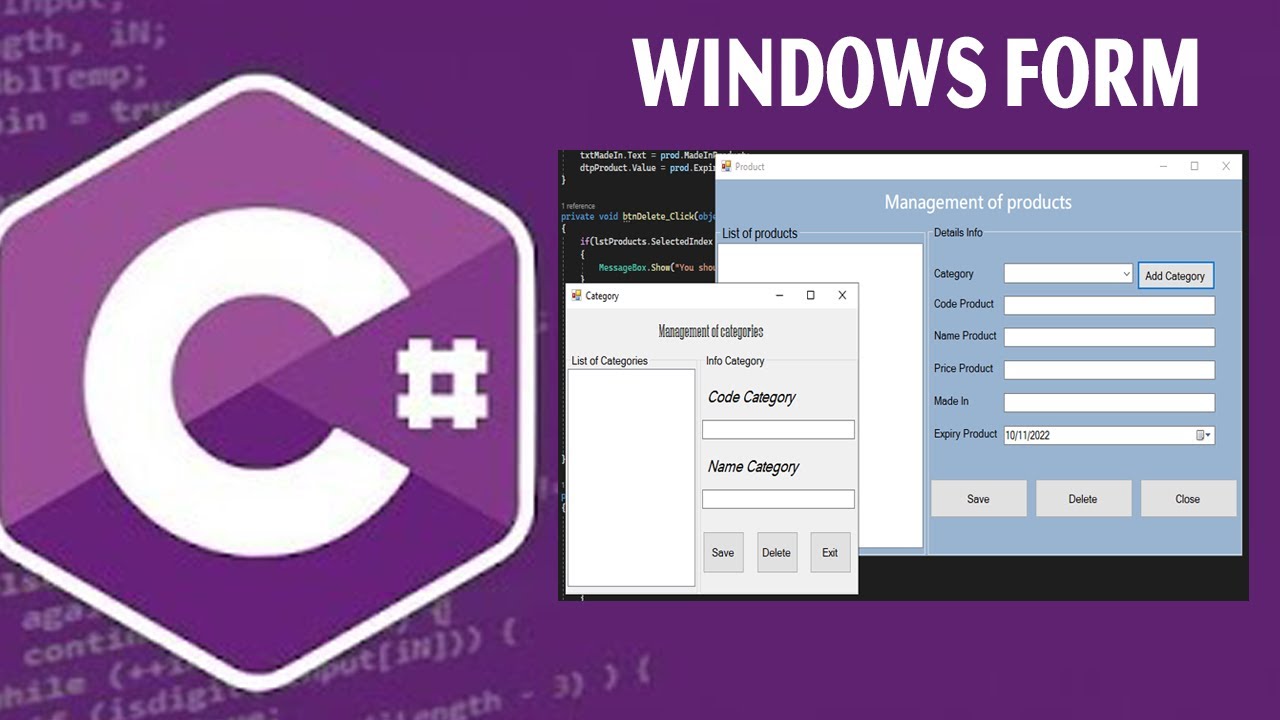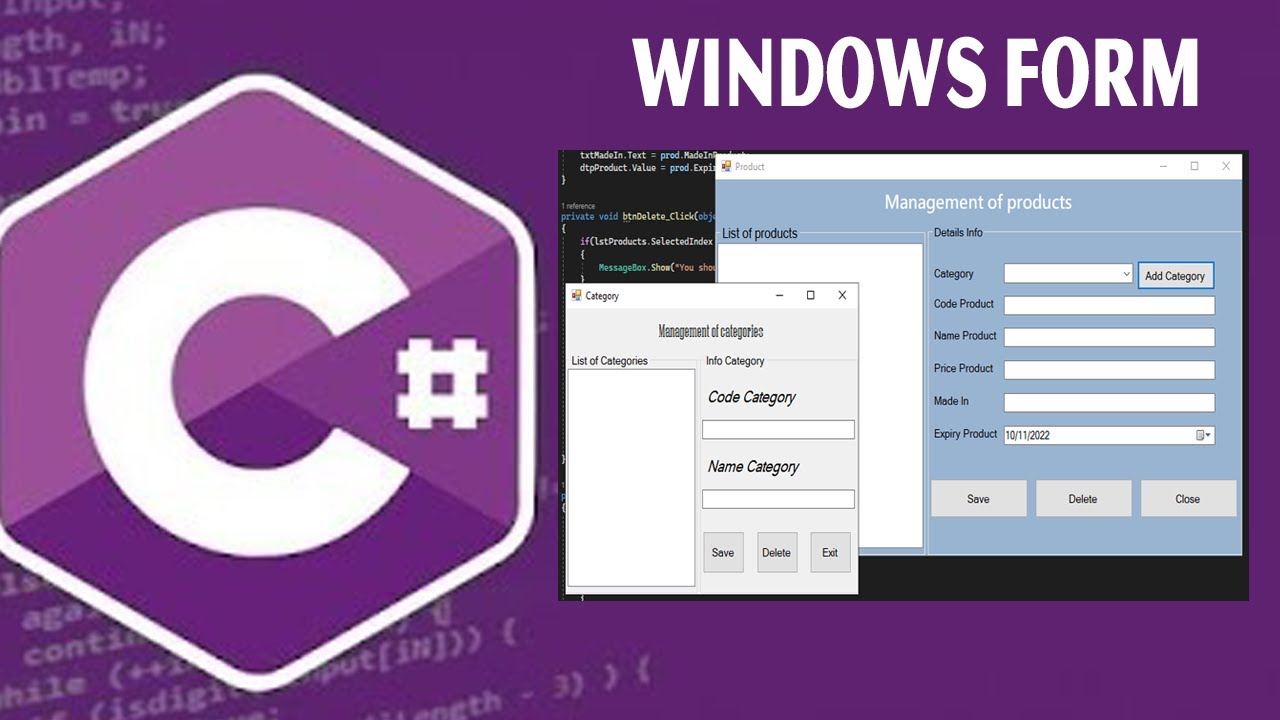
C# Module 5 :- Windows Forms & WPF
What you'll learn
• Build desktop applications using Windows Forms
• Use common UI controls (buttons, textboxes, grids)
• Handle events and user interactions
• Understand WPF fundamentals and XAML
• Design responsive layouts using panels
• Apply basic data binding and styles in WPF
• Connect UI applications to databases
• Build a complete CRUD desktop application
This course includes:
• 1 Mini Desktop Application Project
• 12–16 Hours Live Classes
• Online / Onsite (Physical)
• Practice UI Design Files
• Database Integration Exercises
• Certificate of Completion
Course Content
Windows Forms (WinForms)
• Introduction to Windows Forms
• Visual Designer Overview
• Common Controls:
- Buttons
- TextBoxes
- Labels
- DataGridView
Event Handling (Click, Input Events)
Building Interactive UI
WPF Basics
• Introduction to WPF
• What is XAML?
• Layout Panels (Grid, StackPanel, DockPanel)
• Basic Data Binding
• Styling and UI Customization
• Differences Between WinForms and WPF
Connecting UI to Database
• Displaying Data in DataGridView (WinForms)
• Using ListView with Binding (WPF)
• Loading Data from Database
• Updating UI Dynamically
• Basic CRUD Integration
Mini Project – CRUD Application
• Design a Contact Manager / Student Manager
• Create UI Forms for Input and Display
• Connect to Database
• Implement:
- Add Record
- View Records
- Update Record
- Delete Record
- Testing and Debugging
Practice Projects for Real-World Skills
• Contact Management System
• Student Record Desktop App
• Inventory Tracker (Basic)
Requirements
• Completion of C# Modules 1–4
• Understanding of database connectivity
• Laptop/PC with Visual Studio
Description
This module introduces desktop application development using Windows Forms and WPF. Students will learn how to design user interfaces, handle events, and connect applications to databases.By the end of the module, learners will be able to build fully functional desktop applications with CRUD operations.
Why Choose This Course?
• Desktop Application Development Skills
• UI + Database Integration
• Real-World Mini Project
• Hands-On Learning
• Prepares for Full-Stack Development
Activities During Class
• Designing UI with drag-and-drop tools
• Writing event-driven code
• Binding data to UI components
• Building CRUD applications
• Testing and debugging applications
Who Is This Course For?
• Students who completed C# Modules 1–4
• Learners interested in desktop development
• Students building real-world applications
Course Highlights
• WinForms & WPF Basics
• UI/UX Design Skills
• Database Integration
• Mini Project Development
• Certificate of Completion
📸 Course Gallery